
 View design ↗
TG GRAPHICS / DESIGN GALLERY
Brochures & catalogues
Brochure and catalogue layouts organizing services, imagery and product information across coordinated pages.
9 designs · Click any design to enlarge
Fashion catalogue
8 designs
View design ↗ View design ↗
Brochures & catalogues · Fashion catalogue · Design 2
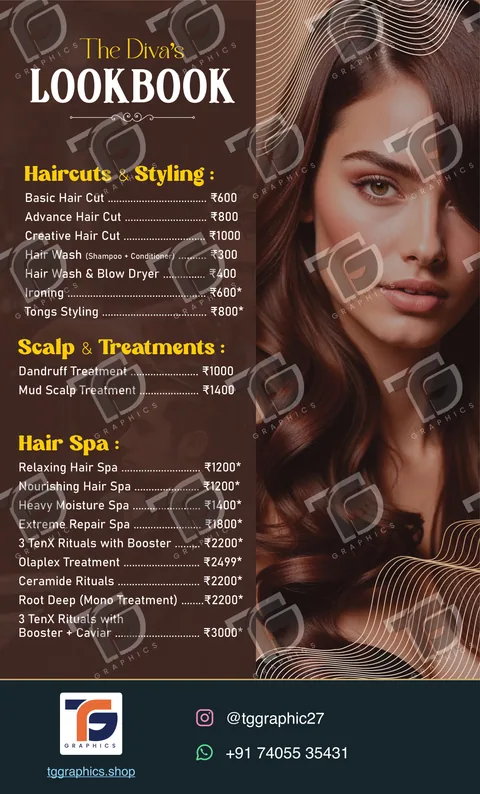 View design ↗
Brochures & catalogues · Fashion catalogue · Design 3
 View design ↗
Brochures & catalogues · Fashion catalogue · Design 4
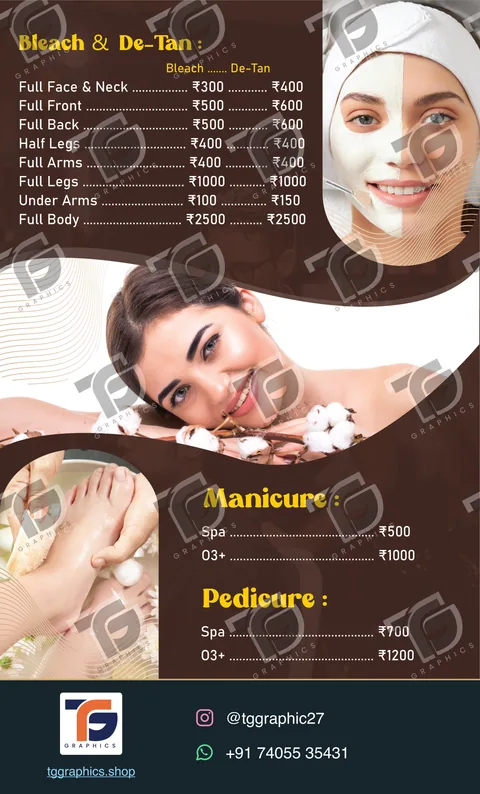 View design ↗
Brochures & catalogues · Fashion catalogue · Design 5
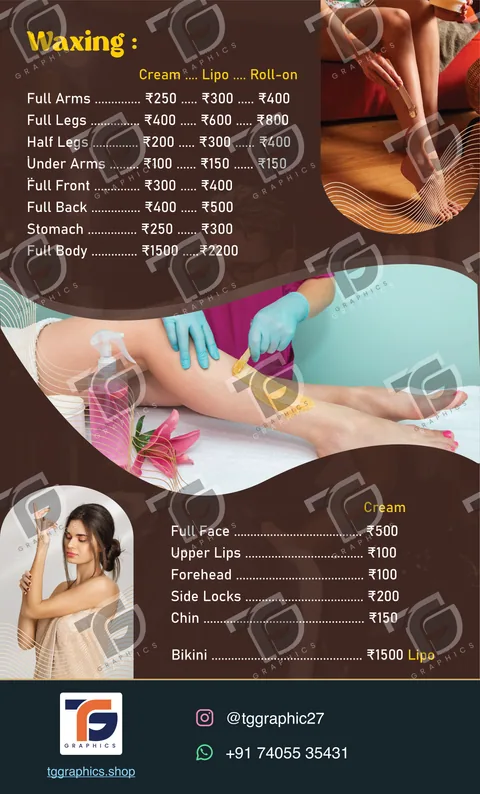 View design ↗
Brochures & catalogues · Fashion catalogue · Design 6
 View design ↗
Brochures & catalogues · Fashion catalogue · Design 7
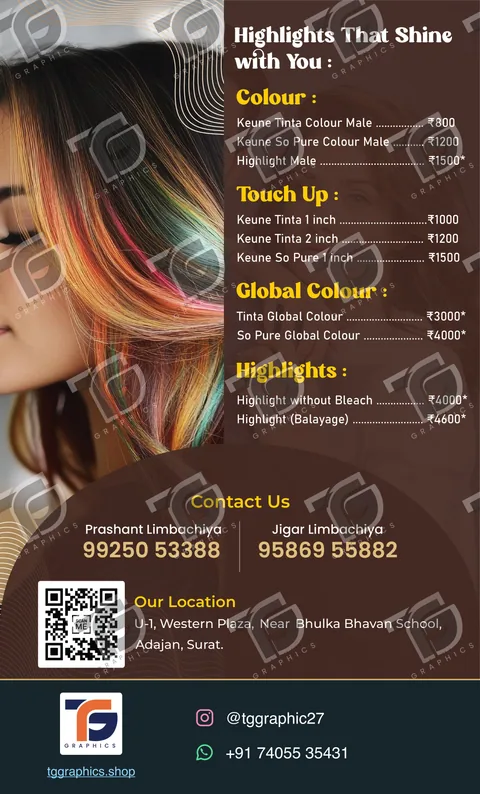 View design ↗
Brochures & catalogues · Fashion catalogue · Design 8
Technology brochure
1 design
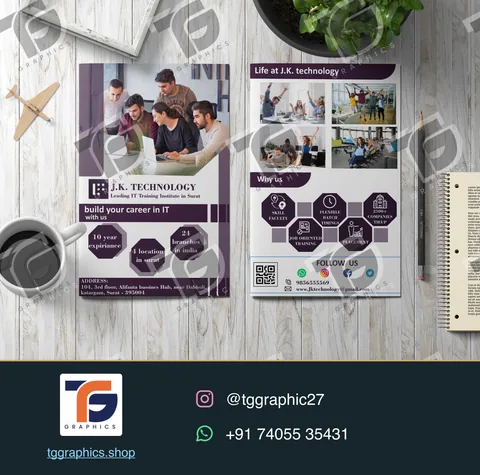 View design ↗
Brochures & catalogues · Technology brochure · Design 1
DESIGN GUIDE
Plan your design
Planning and purpose
Start a brochure or catalogue with the information a customer needs to choose a service or product. Group related items and agree the page order before design begins. These collections show coordinated covers and inside pages. Prepare approved copy, current prices where relevant and clear photographs; changing the content late can change both pagination and print preparation.
Design and readability
Use a repeatable hierarchy for covers, service sections, item names and supporting details. Keep related photographs and descriptions together. Compare several pages side by side to check that spacing, image scale and prices stay consistent throughout the catalogue rather than changing unexpectedly between spreads.
Review the design at the size people will actually see it. Check names, numbers and spelling in every language, and leave enough space around important information. Ask for changes on the same proof so the final version reflects one agreed set of corrections.
Sharing and print preparation
Proof the complete page sequence, including contents, page numbers and cross-references. For a bound publication, check the inner margins and spread order with the printer. Discuss a separate digital PDF if links, navigation or screen reading are part of the brief.
Decide the final use before approving artwork. Digital sharing, a printed piece and a production file can need different exports. For printing, confirm dimensions, bleed, paper or material and finishing with the printer before the final file is prepared. Keep the approved version separate from earlier proofs.
Common questions
Can this reference be adapted for my project?
Yes. Send the reference from the brochures & catalogues gallery with your approved content, preferred language and output requirements. We will discuss a suitable layout and confirm the scope before preparing your version.
Which output details should I confirm first?
Approved sections, product or service copy and page order. Also confirm the final dimensions, delivery date and the number of versions. Gallery previews demonstrate the artwork; editable files, production preparation and other deliverables are agreed for each project.
How do I request a personalised design?
Use the Contact us button and send your preferred gallery reference, approved content, language, size and deadline. The gallery helps explain your style preference. TG Graphics will discuss a personalised version and the files needed for your project.
How are price and delivery time decided?
Share the number of designs or pages, required formats, available artwork and deadline. Design scope, revisions, file preparation and printing requirements affect the work involved. Price and schedule are agreed for your project before work proceeds.
START YOUR PROJECT
Tell us what you need.
Share your preferred design, final text, format and deadline. We can discuss custom artwork, revisions and printing requirements.