
Include the essentials first
Include your business name, your name when relevant, your role or main service, and a reliable phone number. Add an email address, website or shop address when customers need it. If you use WhatsApp for enquiries, make that clear beside the number. Check the spelling and every digit against your original details.
Give each detail enough room
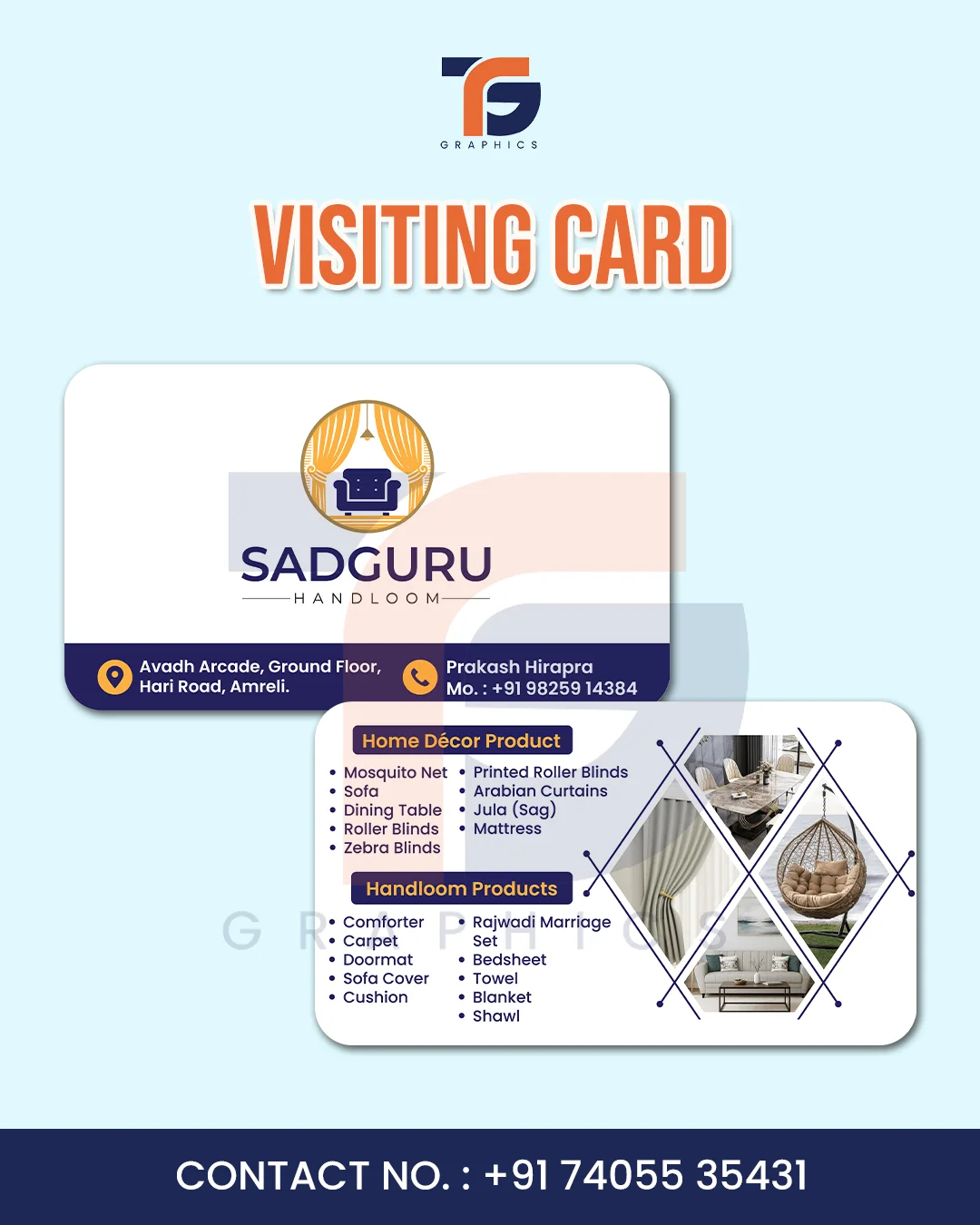
Keep the business name prominent and group contact information together. Use enough contrast between text and background. Avoid squeezing a long service catalogue onto one card. A short description such as “Design & Printing” is easier to scan. If a QR code is included in a custom card, test the printed code on more than one phone.
Choose a language your customers read
English can work for a broad audience, while Hindi or Gujarati may be more comfortable for your local customers. A bilingual card can be useful, but it needs enough space for both languages. Keep names, phone numbers and addresses accurate rather than translating them mechanically. Ask someone fluent in the language to review important printed copy.
Review a proof before ordering prints
Review the card at its intended size, not only enlarged on a screen. Check whether the smallest text is readable and whether the logo looks sharp. Confirm paper, finish, quantity and the printer’s file requirements before ordering. The TG Graphics studio offers single-sided Minimal, Bold and Classic card templates; custom layouts and professional print preparation can be discussed separately.