Start with the occasion and audience
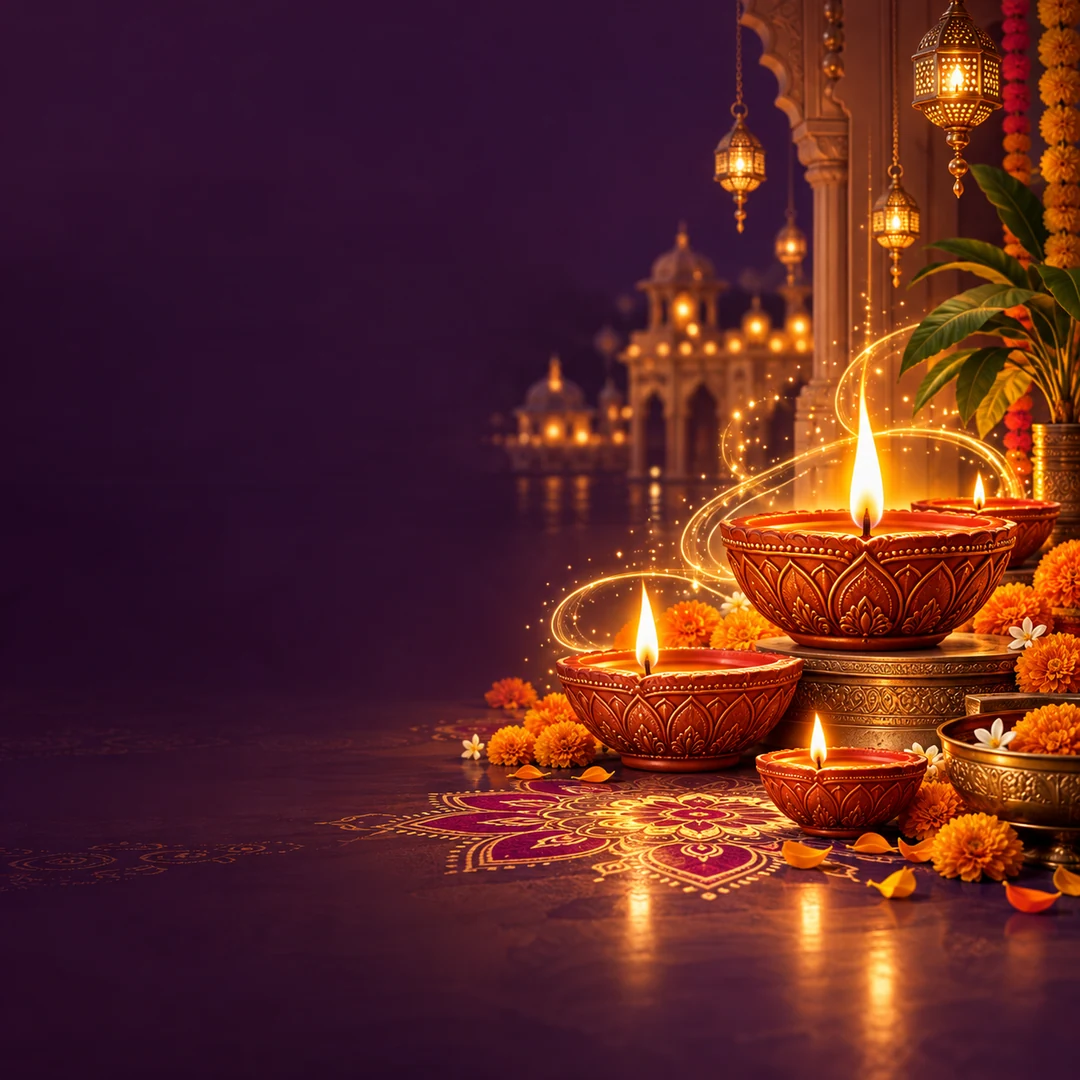
Choose the correct festival rather than changing only the title on an unrelated design. Diyas can suit Diwali, kites can suit Uttarayan, and a rakhi can suit Raksha Bandhan. Use respectful imagery and a greeting that your customers understand. English, Hindi or Gujarati may suit different audiences; keep the meaning natural in each language.
Keep the business details simple
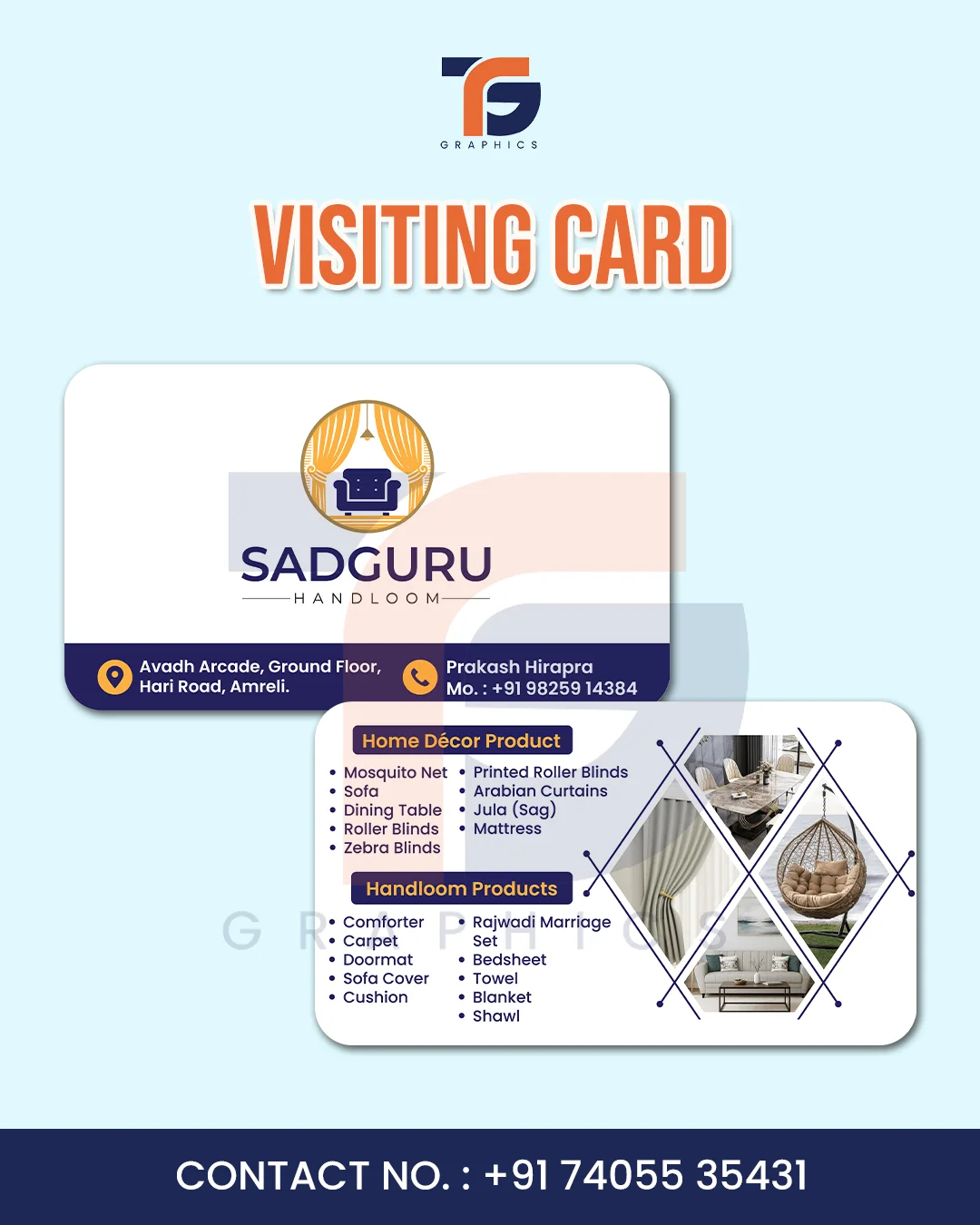
Use your business name, a clean logo if you have one, and a phone number or website. Avoid covering the illustration with several addresses, offers and long paragraphs. A greeting post can simply say “Happy Diwali” and share a short wish. If you are announcing an offer, state the actual offer and its conditions clearly.
Choose square or story before editing
TG Graphics festival templates have square 1080 × 1080 layouts and tall 1080 × 1920 story/status layouts. These use separate compositions so the artwork and text have their own space. Choose the format you need, then check the preview. When posting through another app, inspect its preview too: interface elements may cover parts of a story.
Personalise, review and download
Open the online studio and choose Social posts. Filter by festival and select a Traditional or Modern template. Add your details and review spelling, contact information and text size. Download PNG for sharing. Free downloads include the TG Graphics credit; for a custom layout or printing, contact us with your requirements.